
Customer Portal Set-Up
Welcome to Our New Customer Portal!
Our customer portal is now live! Inside, you'll find all the resources you need to make the most of your kit, all in one convenient place. Whether you're new to the portal or have additional questions, you can follow our step-by-step guide below to get started.
Getting Started!
Before you get started with the sign-up process, make sure you have two things handy: the QR code and your unique customer portal code, both of which can be found on a sticker inside the front cover of your Instructor Guide.
Step 1: Scan the QR Code
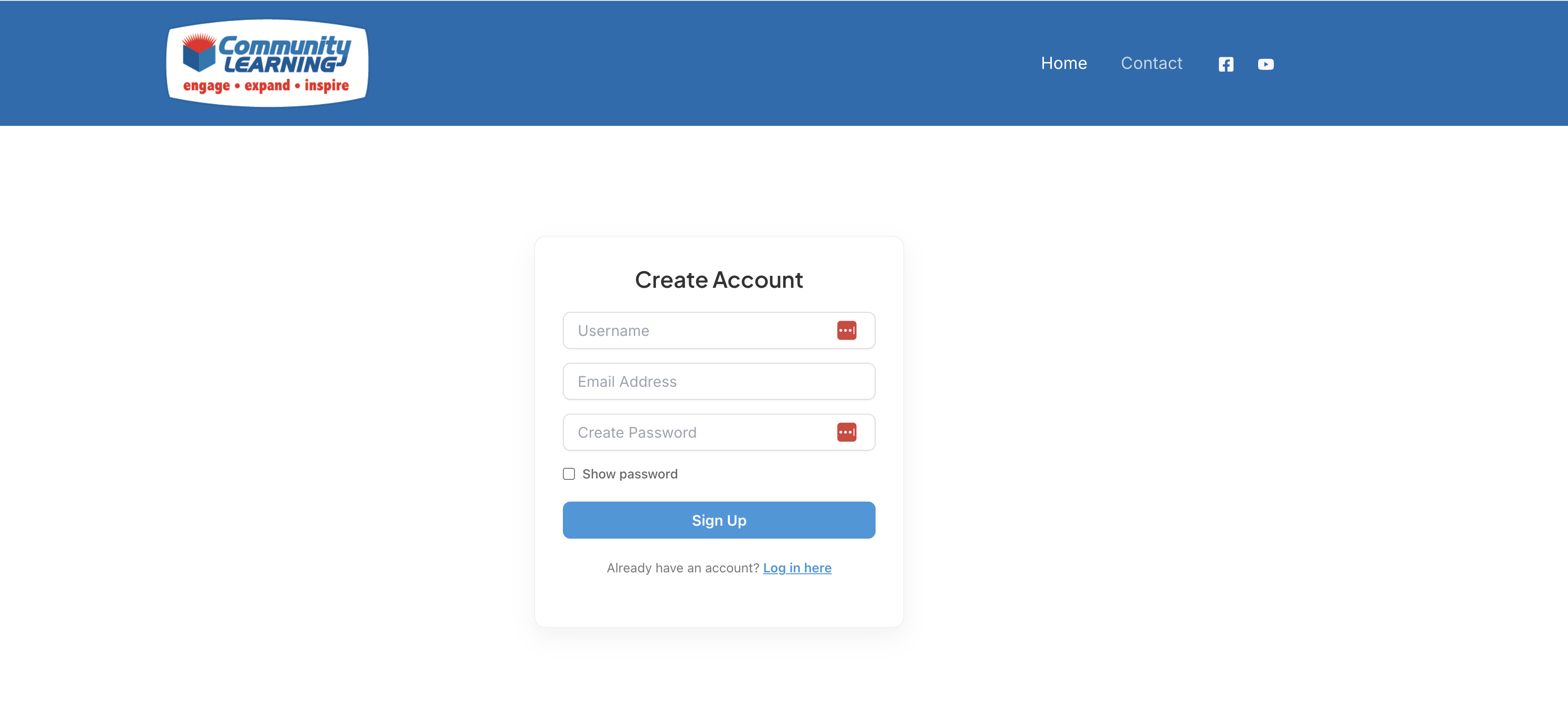
Once you've found the QR code, go ahead and scan it. It will take you directly to our 'Create Account' page. Already have a WordPress account with us? Just click the sign-in link at the bottom. However, if you're new, continue setting up an account by simply choosing a username, entering your email, and creating a password. Once you've successfully created your account (or have logged back in), you'll be directed to the next page.
Step 2: Type in Your Unique Customer Portal Code
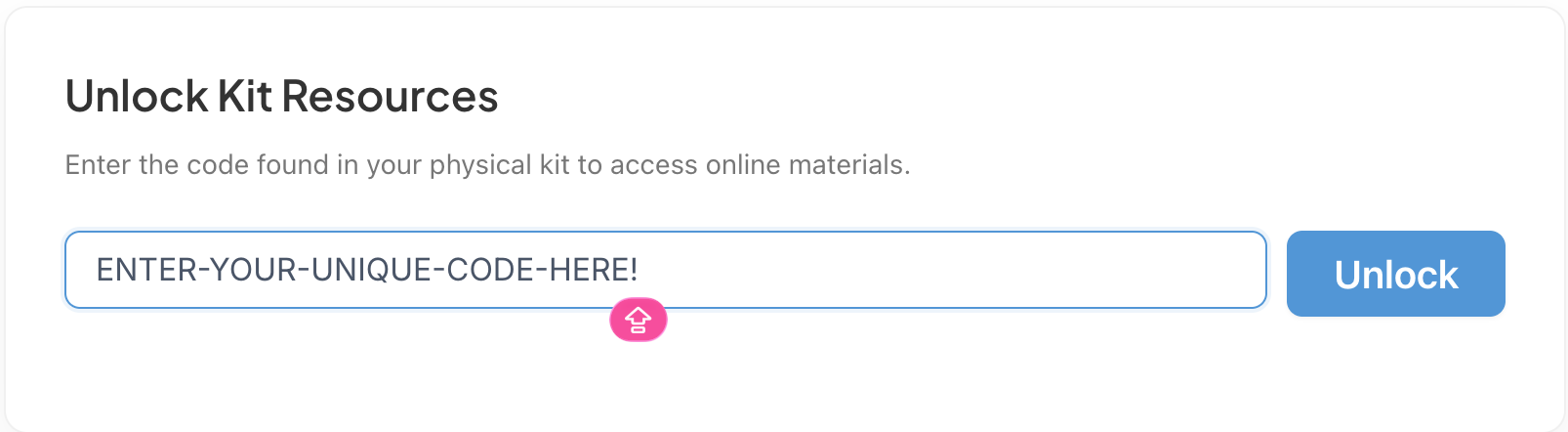
After completing the first step, you'll be directed to our 'Unlock Kit Resources' page. This is where you'll enter your unique customer portal code. Again, you can find this code on the sticker, which is located on the inside cover of your Instructor Guide.
Step 3: Unlocking Your Kit Resources
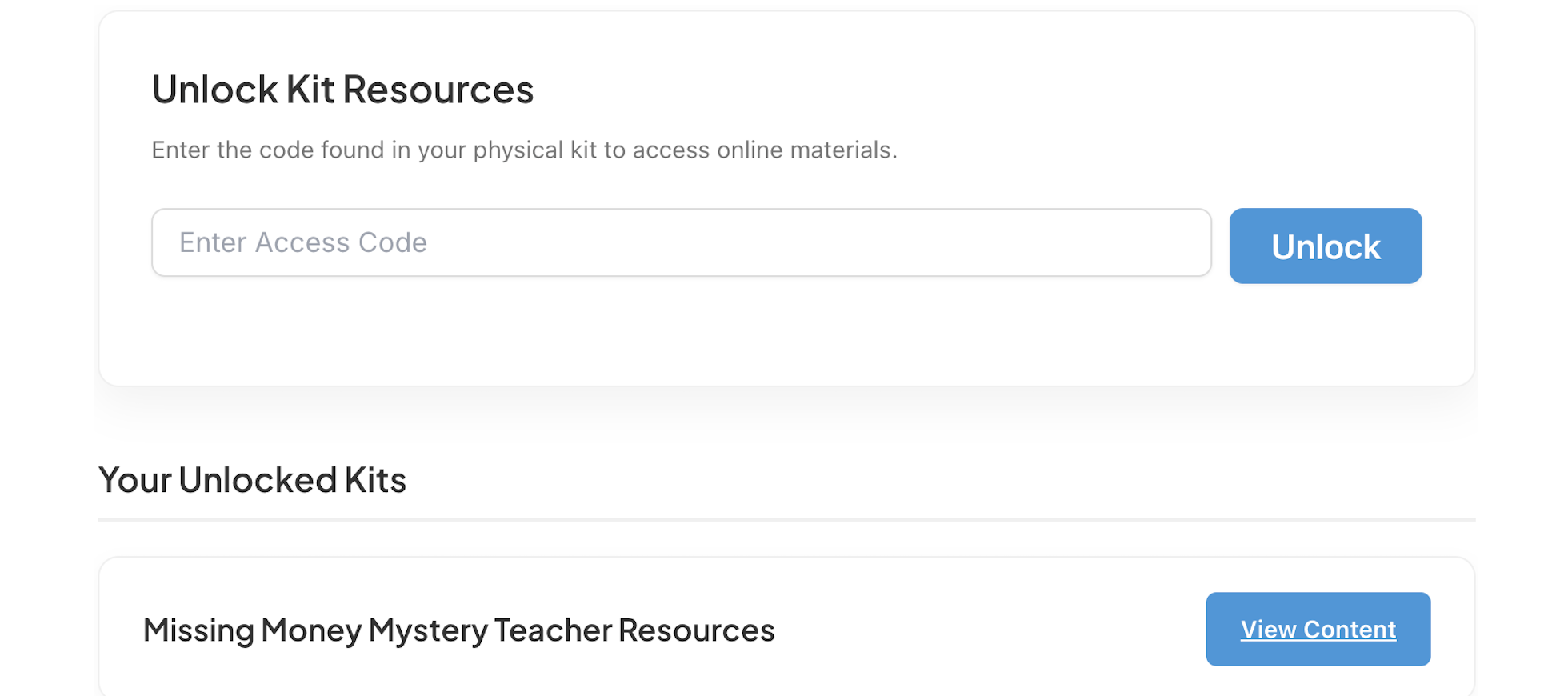
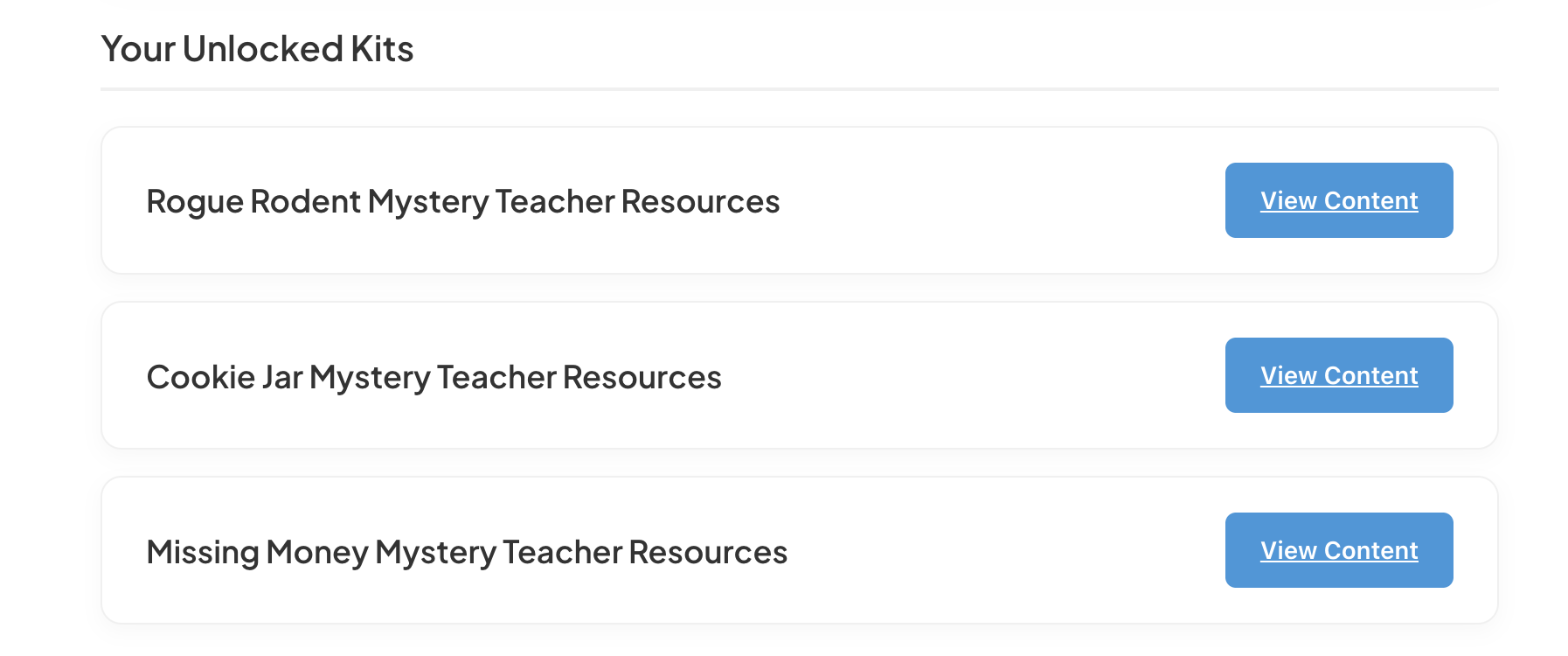
Once you've successfully entered your unique code, your unlocked kits will appear at the bottom. For example, if you purchased the Missing Money Mystery, the unlocked kit content will say Missing Money Mystery Teacher Resources. From there, simply click "View Content" on the right-hand side. This will lead you right to all of our resources for that specific mystery.
Step 4: Teacher Resources Home Page
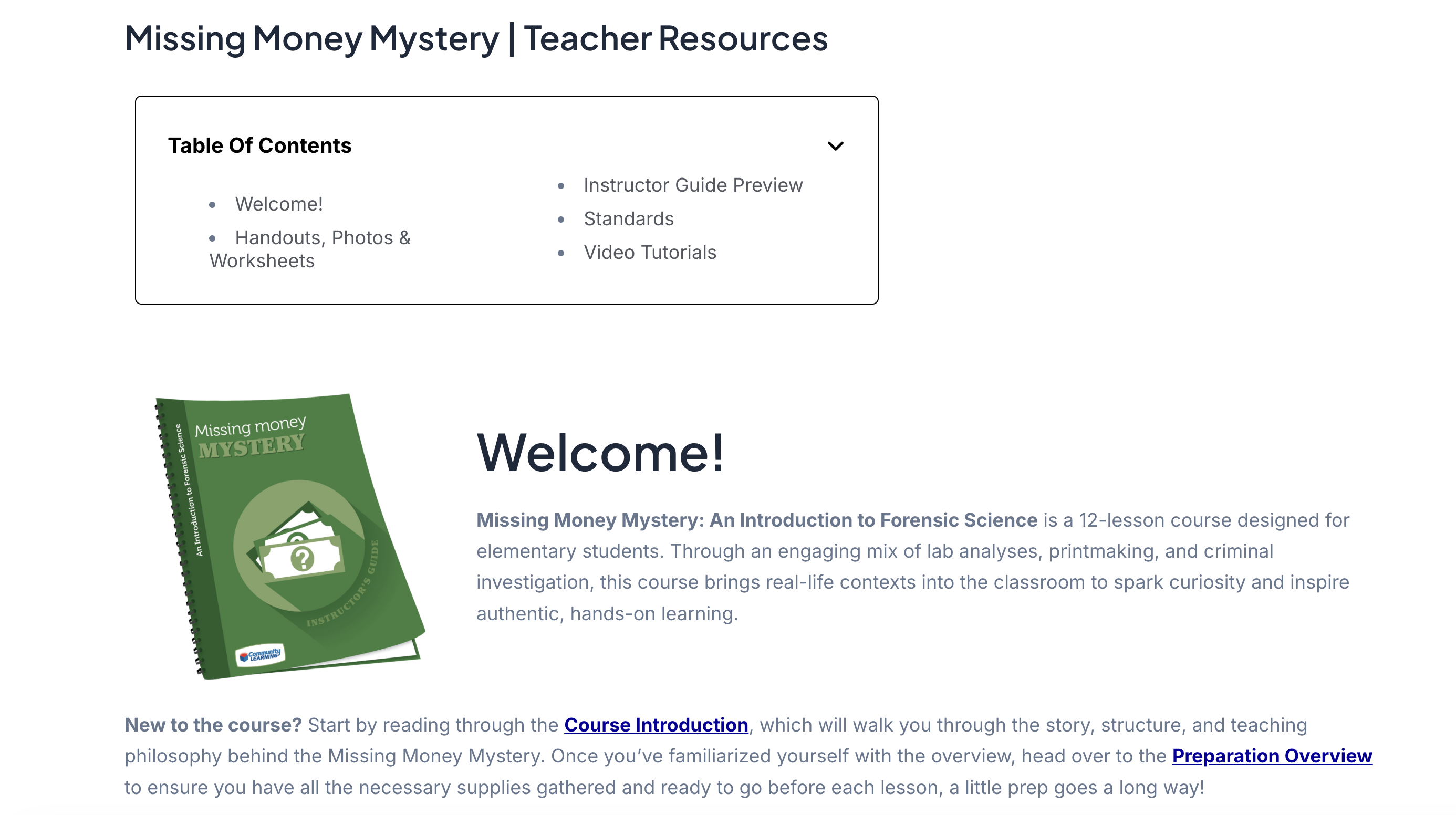
After clicking 'View Content' for your unlocked kit, you'll be taken to the home page of your purchased mystery. Each mystery's home page follows a similar layout and style. Here's an example of what the Missing Money Mystery home page looks like:
Purchased More Than One Mystery Kit?
If you have purchased multiple mystery kits, this process will need to be completed for each one. You will not be required to create a new account; simply enter the unique code associated with each kit. Once all codes have been entered, your full list of unlocked resources will be available.
Have Additional Questions?
We're always here to help! Reach out to us anytime at info@commlearning for assistance with getting started, codes, or anything else you have questions about!